7 Simple Steps to Hook Up Your Battery Charger Safely
Many people struggle with safely hooking up their battery chargers, especially if they’re new to the process. It’s easy to feel unsure about the right steps or worry about making a mistake. Don’t worry—you’re not alone, and with a little guidance, you’ll be charging your batteries confidently in no time.
To hook up your battery charger safely, first gather your tools and safety gear. Next, locate the battery and charger, checking their compatibility.
Identify the positive and negative terminals, ensuring you’re clear on the markings. Attach the charger cables securely—red to positive and black to negative.
Select the right setting based on your battery type. Keep an eye on the charging process, and know when it’s safe to disconnect.
There’s more you can learn about ensuring a smooth charge!
Key Takeaways
- Gather the necessary tools and put on safety gear like goggles and gloves. This helps create a safe environment for charging your battery.
- Find out what type of battery you have and make sure your charger matches its specifications. Compatibility is key to safe charging.
- Clean the terminals before connecting the positive (red) and negative (black) cables. Double-check the polarity to avoid any damage.
- Keep an eye on the charging process regularly. Watch for overheating and disconnect when the battery is fully charged to prevent overcharging.
- Charge your battery in a cool, dry spot, and don’t leave the charger unattended for long periods. This keeps everything safe and secure.
Gather Your Tools and Safety Gear
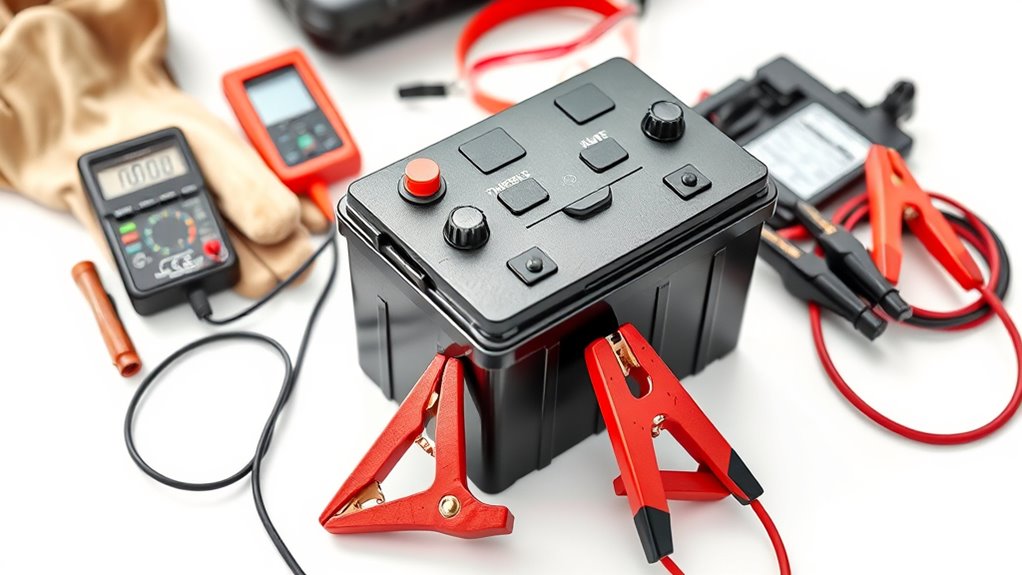
Before you start charging your battery, make sure you’ve gathered all your tools and safety gear. Grab your battery charger and jumper cables, and find a clean, flat surface to work on. This helps prevent accidents and keeps things organized.
Next, focus on your safety equipment. Put on safety goggles to protect your eyes from sparks or acid splashes. Gloves are also a good idea—they’ll keep your hands safe from any corrosive materials. If you’re working in a tight space, consider wearing a face mask to guard against harmful fumes.
Having everything ready makes the process smoother and ensures you’re prepared for any unexpected situations. When all your tools and gear are in place, you can concentrate on the task without worry. Taking these steps helps make your battery charging experience safe and easy.
Locate the Battery and Charger
First things first, you’ll want to locate the battery and charger. Take a look around and find where they are. Once you’ve got them in sight, the next step is to figure out what kind of battery you’re dealing with. Different batteries need different chargers, so it’s important to know this before moving on.
After you’ve identified the battery type, find the charger that matches its specifications. This is key to making sure you’re charging safely and effectively. So, take your time to double-check that the charger is the right one for your battery before you plug it in.
Identify Battery Type
Identifying the battery type is crucial for safe charging, as using the wrong charger can lead to damage or hazards.
Start by checking if your battery is a lead acid or lithium-ion. Lead acid batteries are common in cars and often need regular maintenance, while lithium-ion batteries are popular in electronics and require less upkeep.
Look for labels or markings on the battery that indicate its type. Familiarize yourself with maintenance tips specific to your battery type to ensure longevity.
Remember, charging safety begins with knowing what you’re working with. Using the correct charger designed for your battery type not only improves performance but also reduces risks.
Always prioritize identifying your battery type before proceeding.
Find Charger Specifications
Once you know your battery type, the next step is to find the right charger specifications. Check the voltage ratings on both your battery and charger to make sure they match.
Using a charger with incompatible voltage can damage your battery or even create safety hazards. It’s important to look for charger compatibility because not all chargers work with every battery type.
If you’re unsure, consult your battery’s manual or the manufacturer’s website for recommended chargers. It’s essential to pick a charger that suits your battery’s specific needs.
Identify the Positive and Negative Terminals
Before you connect your battery charger, it’s really important to identify the positive and negative terminals. This step is crucial for safety and to avoid any mishaps.
Look for the “+” symbol, usually marked in red, which shows the positive terminal. The negative terminal will often have a “-” symbol, typically in black.
Understanding the importance of polarity helps prevent damage to both your battery and charger. If you connect them the wrong way, you could cause a short circuit or damage the charger.
Always double-check the terminal markings before you proceed. If your battery terminals are dirty or corroded, clean them gently for a good connection.
Taking these precautions will help you avoid problems and keep your battery in top shape. Remember, safety first! Knowing how to identify these terminals is the first step to a safe, successful charging experience.
Attach Charger Cables to Battery Terminals
Now that you’ve figured out which terminal is positive and which is negative, it’s time to connect the charger cables. Just a quick tip—make sure you connect the cables securely so they don’t come loose. It’s always a good idea to double-check everything before you start charging. That way, you can avoid any short circuits and keep the process safe and smooth.
Identify Positive And Negative
Identifying the positive and negative terminals on your battery is essential for safe charging. Start by looking for terminal markings: the positive terminal usually has a “+” sign, while the negative terminal features a “−” sign. These markings help you avoid mistakes.
Furthermore, color coding can guide you; the positive terminal is often red, and the negative terminal is typically black. Confirm these details before proceeding.
Mistaking one terminal for the other could lead to damaging your battery or charger, or even cause injury. Once you’ve identified both terminals correctly, you’re ready to move on to the next step in the charging process.
Always prioritize safety to guarantee a smooth charging experience.
Secure Cable Connections
With the positive and negative terminals identified, it’s time to secure the cable connections. Proper cable maintenance is key for safe connections, so follow these steps:
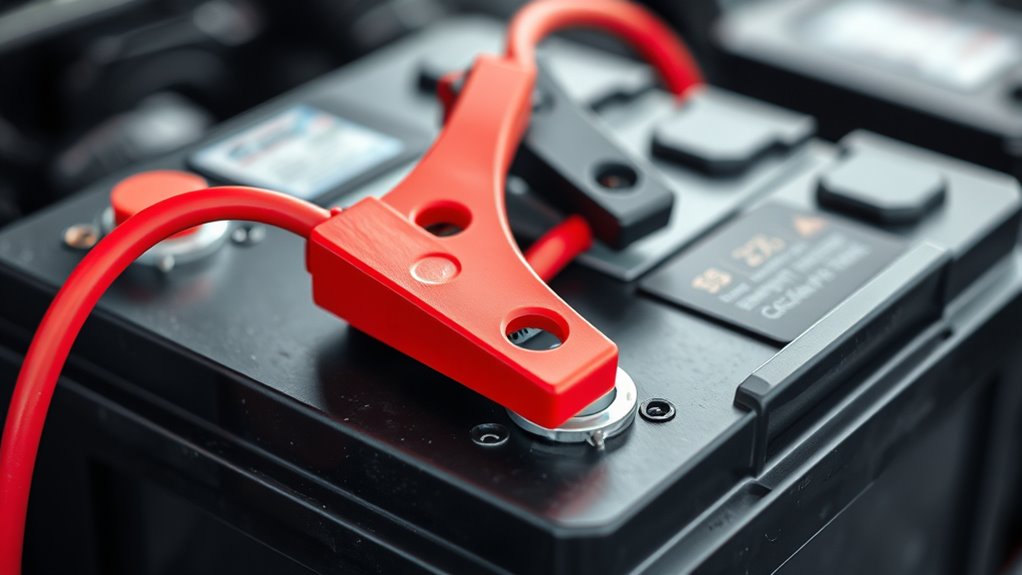
- Attach the Positive Cable: Start by connecting the red cable to the positive terminal. Make sure it’s snug and secure.
- Connect the Negative Cable: Next, clamp the black cable to the negative terminal. Ensure this connection is tight to prevent disconnections during charging.
- Double-Check Connections: Before powering on the charger, visually inspect both connections. A quick check can help avoid mishaps and confirm everything is safe.
Avoid Short Circuits
To avoid short circuits while attaching charger cables to battery terminals, always make sure the cables aren’t touching each other or any metal surfaces.
Start by connecting the positive cable (red) to the positive terminal first, making sure it’s secure. Then, attach the negative cable (black) to the negative terminal.
This order helps keep everything safe by reducing sparks. While handling the cables, keep them away from anything conductive, as that can cause dangerous short circuits.
Always follow electrical safety tips, like wearing gloves and safety glasses, to protect yourself. After connecting everything, double-check that all connections are tight and in place before turning on the charger.
Following these simple steps will help make your charging process safe and efficient.
Choose the Right Setting on Your Charger
Selecting the right setting on your charger is key to safe and efficient charging. Using the correct mode can really help extend your battery’s lifespan and improve its performance.
- Standard Mode: Perfect for everyday use, this mode gives a steady flow of power that’s suitable for most batteries.
- Fast Charge Mode: When you’re in a hurry, this setting delivers a higher current. Just be careful—more heat can be generated.
- Maintenance Mode: Great for long-term storage, it keeps your battery topped off without overcharging, helping it stay healthy.
Keep an Eye on the Charging Process
After choosing the right setting on your charger, it’s important to stay attentive during the charging process. Keeping an eye on it helps prevent overheating and makes sure your battery charges efficiently. Regular monitoring also allows you to catch any issues early.
Here’s a quick reference table to help you stay on top of things:
| Status | Action | Notes |
|---|---|---|
| Charging | Check every 30 minutes | Look for warmth |
| Fully Charged | Disconnect immediately | Prevent overcharging |
| Faulty Indicator | Stop charging | Inspect for damage |
Make a habit of glancing at your charger now and then. This simple step can extend your battery’s life and keep things safe. Remember, a little vigilance makes a big difference in ensuring a safe charging experience!
How Do I Know When to Safely Disconnect My Battery Charger?
When should you safely disconnect your battery charger? Knowing the right moment can help prevent overcharging and extend your battery’s lifespan. Here are three key signs to look for:
- Charging Indicators: Most chargers have lights showing the charging status. A green or solid light usually means your battery is fully charged, so it’s safe to unplug.
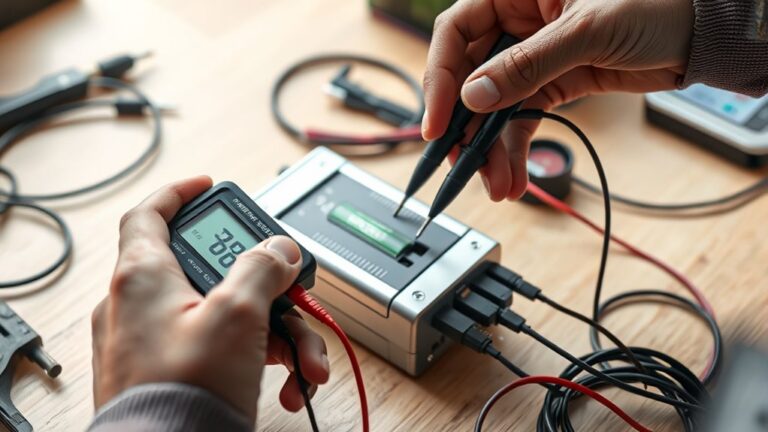
- Battery Voltage: Use a multimeter to check the voltage. If it reaches the manufacturer’s recommended level, it’s time to disconnect the charger.
- Time Limit: If your charger doesn’t have indicators, set a timer based on your battery’s capacity. Disconnect it after the suggested charging time to avoid damage.
Frequently Asked Questions
Can I Charge My Battery in Extreme Temperatures?
You shouldn’t charge your battery in extreme temperatures. High or low temperatures can hurt battery performance, making it less efficient and potentially causing damage.
Charging in cold weather can cause the battery fluid to freeze, while heat increases the risk of overheating and shortens the battery’s lifespan.
Try to charge your battery at moderate temperatures to stay safe and keep it working well.
Protecting your battery from extreme conditions will help it last longer and perform better.
What Type of Battery Charger Do I Need?
You need a smart charger for ideal performance. These chargers automatically adjust the charging rate based on the battery’s needs, preventing overcharging and extending its lifespan.
Depending on your battery type, you’ll find different charging options, like trickle or fast charging. Make sure to choose one compatible with your battery’s specifications.
A smart charger not only makes charging easier but also safer for your battery’s health in the long run.
How Long Should I Charge My Battery?
You should typically charge your battery for about 4 to 8 hours, but it really depends on the type and size of the battery.
To get the most out of your battery, try to charge it fully before using it. Keep an eye on how often you charge it because overcharging can cause damage.
If you notice your battery draining quickly, consider adjusting your charging habits to keep it performing well.
Is It Safe to Charge a Wet Battery?
No, it isn’t safe to charge a wet battery. You might think you can quickly get back on the road, but battery maintenance requires caution.
Water can cause short circuits or even lead to dangerous sparks. Always dry the battery first and follow safety precautions, like wearing gloves and goggles.
Taking these steps helps protect both yourself and your equipment. This way, you keep your charging experience safe and effective.
Can I Use an Extension Cord for My Charger?
Yes, you can use an extension cord for your charger, but make sure it’s compatible. Use a heavy-duty extension cord that can handle the charger’s amperage.
Avoid lightweight cords, as they might overheat. Check the extension cord types; those rated for outdoor use often have better insulation.
Always verify that the connections are secure and never exceed the cord’s capacity. This keeps everything safe while you’re charging your battery.
Conclusion
Now that you know how to hook up your battery charger safely, you can recharge with confidence. Did you know that nearly 25% of car battery failures happen because of improper charging?
By following these seven simple steps, you’ll help extend your battery’s life and avoid potential hazards. Keep your tools handy and stay alert while charging.
Remember, taking the right precautions when hooking up your battery charger is key to safe and effective charging. Your battery and peace of mind will thank you!