5 Easy Steps to Use Your 12V Battery Charger
Many people struggle with safely charging their 12V batteries, especially if they’re new to the process. It can be confusing to know where to start or how to avoid mistakes that could damage your battery or charger.
Don’t worry—you’re not alone, and with a little guidance, you’ll be charging confidently in no time.
To use your 12V battery charger, first identify your battery type, such as lead-acid or lithium-ion. Prepare your workspace by ensuring it’s clean and well-lit.
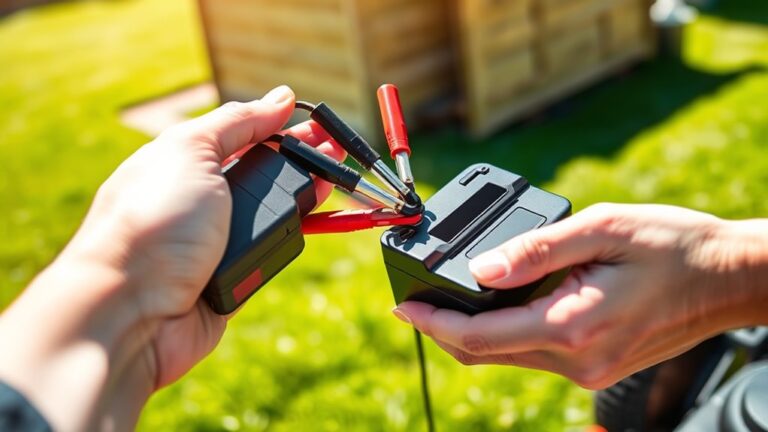
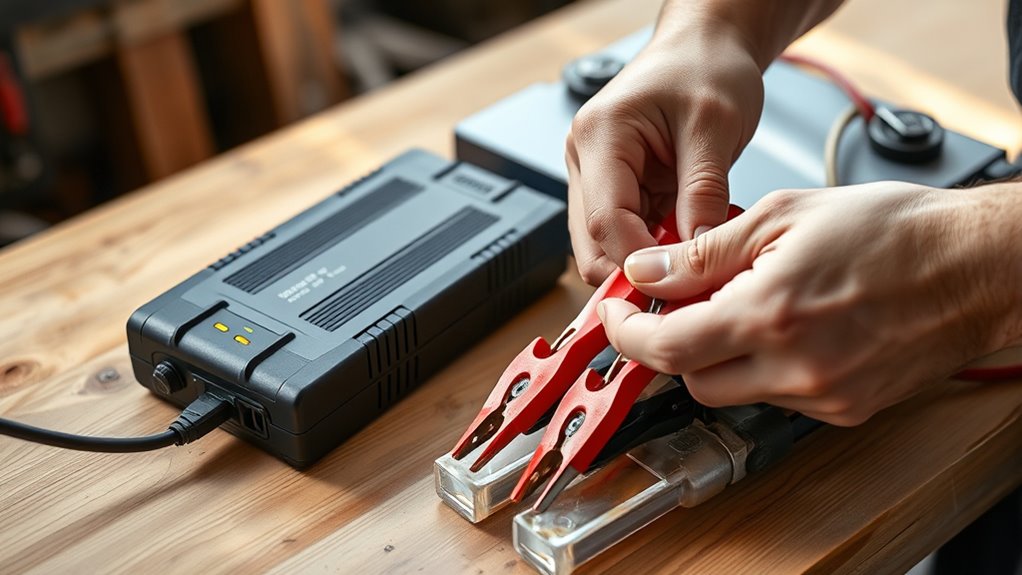
Next, connect the charger by attaching the red clamp to the positive terminal and the black clamp to the negative.
Monitor the charging process for overheating and avoid overcharging.
Finally, unplug the charger before disconnecting.
Stick around, and you’ll uncover more detailed tips to get the most out of your charger.
Key Takeaways
- Identify your battery type (lead-acid or lithium-ion) to make sure you’re using the right charging method and staying safe.
- Clear your workspace and check the battery for any damage or corrosion before hooking up the charger.
- Attach the charger clamps securely to the positive and negative terminals, making sure they’re tight.
- Keep an eye on the charging process to prevent overheating, and use a timer or automatic shut-off to avoid overcharging.
- When the battery is charged, unplug the charger first before disconnecting it, and store everything properly.
Understanding Your 12V Battery Charger
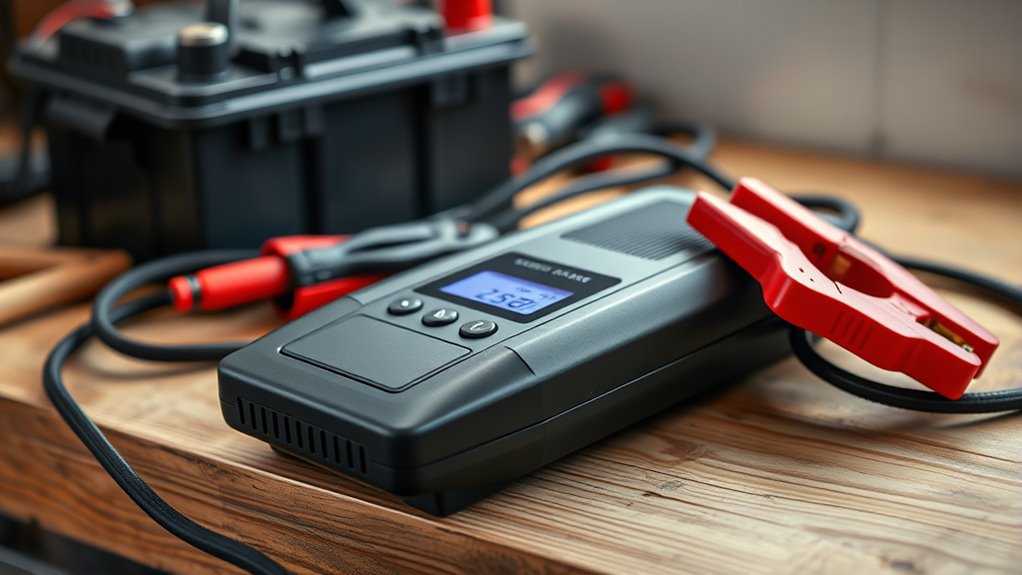
When you’re working with a 12V battery charger, it’s important to understand its main parts and what they do. Knowing the different types of batteries you might come across is also key. For example, lead-acid batteries are common in cars, while lithium-ion batteries are often used in portable gadgets. Each needs a specific charging method, so knowing your battery type can help prevent damage.
Next, get to know your charger’s features. Look for indicators that show when it’s charging—that way, you can keep an eye on the process. Some chargers have automatic shut-off, so your battery doesn’t overcharge. Others might offer options for different battery types, giving you more flexibility.
Finally, always check the amp rating of your charger. Using the correct amperage is crucial for safe and efficient charging. Understanding these details will help you use your 12V battery charger safely and effectively.
How to Prepare Your Battery and Workspace for Charging
Preparing your battery and workspace for charging is key to keeping everything safe and running smoothly. First, figure out what type of battery you’re working with, like lead-acid or lithium-ion. Knowing this helps you follow the right steps.
Next, tidy up your workspace. Clear away clutter that could be dangerous, and make sure you have good lighting. Keep your charger, cables, and tools nearby and easy to grab. It’s also important to work in a well-ventilated area, especially with lead-acid batteries, since they can release gases.
Check the battery for any damage or corrosion. If you see issues, take care of them before you start charging. Lastly, wear safety gear like gloves and goggles. Proper prep makes the whole process safer and more efficient.
Connecting the Charger: Step-by-Step Guide
Connecting your 12V battery charger can be straightforward if you follow these steps carefully. First, check the battery types you’re working with, whether it’s lead-acid, AGM, or gel. Make sure your charger is compatible with them to avoid any issues.
Next, locate the positive (+) and negative (-) terminals on your battery. Attach the red clamp from your charger to the positive terminal, making sure it’s secure. Then, connect the black clamp to the negative terminal. If your charger has an automatic feature, it’ll sense the battery’s condition and adjust accordingly.
After everything’s connected, plug the charger into a power outlet. Double-check your connections to verify they’re tight and secure. Once you’ve confirmed everything is in place, you’re ready to start charging. Always refer to your charger’s manual for specific instructions related to your model.
Keep an Eye on Your Charging: Safety Tips
After plugging in your charger, it’s important to keep an eye on the charging process to ensure safety and efficiency. Watching your battery helps you spot any potential issues early on.
Look out for signs of overheating or swelling, as these can be serious problems. Always stay alert to prevent accidents and extend your battery’s life.
Set a timer or use a charger with an automatic shut-off feature to avoid overcharging. Overcharging can damage your battery and reduce its performance or cause failure.
If your charger doesn’t have an auto shut-off, make sure to check the voltage periodically. This helps prevent excessive charging and potential hazards.
Also, avoid charging in enclosed spaces where heat can build up. Instead, choose a well-ventilated area for safer charging.
Staying vigilant during charging not only prolongs your battery’s life but also creates a safer environment. Always prioritize safety for the best results!
How to Disconnect and Maintain Your Charger
Properly disconnecting and maintaining your charger is key to keeping it working well for a long time. Always unplug the charger from the outlet before disconnecting it from your battery. This helps prevent electrical shorts and keeps both devices safe.
After disconnecting, wipe down the charger with a dry cloth to remove dust or debris. This simple step can help maintain its efficiency and performance. When you’re not using it, store the charger in a cool, dry place to extend its lifespan.
Regularly check the cables and connectors for any signs of wear or damage. If you notice any issues, replace them to avoid problems later on. Following these tips will help ensure your charger stays in good shape and works smoothly.
Finally, consider scheduling periodic inspections to catch any potential issues early. Giving your 12V battery charger a little attention will not only extend its life but also improve your overall charging experience.
Frequently Asked Questions
Can I Charge Different Types of 12V Batteries With the Same Charger?
Yes, you can charge different types of 12V batteries with the same charger, but it’s important to check if it’s compatible first. Some chargers work well with lead-acid, lithium-ion, or AGM batteries, while others might not.
Always review the charger’s specifications to make sure it’s suitable for the specific battery type you’re using. Using the right charger helps extend your battery’s lifespan and keeps the charging process safe.
Stay informed, and you’ll be good to go!
What Should I Do if My Charger Shows an Error Code?
If your charger shows an error code, start by checking the user manual for solutions. Often, common issues can be fixed by making sure all connections are secure and that the battery isn’t faulty.
If you’ve confirmed everything’s connected properly, try resetting the charger. If the error still shows up, look for troubleshooting tips online or reach out to customer support for help.
Taking these steps should help you get your charger working again quickly.
How Long Can I Leave the Charger Connected?
You can usually leave your charger connected for several hours, but it’s a good idea to check your charger compatibility and the battery type.
For the best battery health, try not to overcharge. Many modern chargers have features that stop charging once the battery is full, which helps prevent overcharging.
Always follow the manufacturer’s guidelines to know the safest amount of time to keep it plugged in.
If you’re unsure, it’s best to disconnect the charger once the battery reaches a full charge. This can help extend your battery’s lifespan and keep it performing well.
Is It Safe to Charge a Battery Indoors?
Is charging a battery indoors really safe? It can be, but you need to take some precautions!
Make sure the area has good ventilation to prevent gas buildup, which could be dangerous. Keep the space dry and free from flammable materials to reduce electrical risks.
Always watch the charging process and avoid covering the battery. Following these safety tips helps you charge indoors safely while keeping yourself and your space protected.
How Do I Know When My Battery Is Fully Charged?
You can tell your battery’s fully charged by checking the battery indicators on your charger. Most chargers have lights that change color or turn off when charging’s complete.
If your charger has an amp meter, it’ll drop to zero or near zero when the battery’s done charging. Always keep an eye on the charging process to avoid overcharging.
Once your battery is fully charged, disconnect it to help extend its lifespan. This simple step can make a big difference in how long your battery lasts.
Conclusion
To sum up, using your 12V battery charger can be pretty simple if you follow these steps.
Remember, “a stitch in time saves nine,” so taking a moment to prepare and keep an eye on your charging process can save you headaches later.
By staying safe and maintaining your 12V battery charger, you’ll make sure it works well for years to come.
Now, you’re all set to tackle your project with confidence! Happy charging!