What Does “Flo” Mean on Your Battery Charger?
Are you tired of constantly worrying about overcharging your batteries or shortening their lifespan? You’re not alone—many people struggle with keeping their batteries in top shape without hassle.
Luckily, modern chargers have features to help, like the “Flo” indicator.
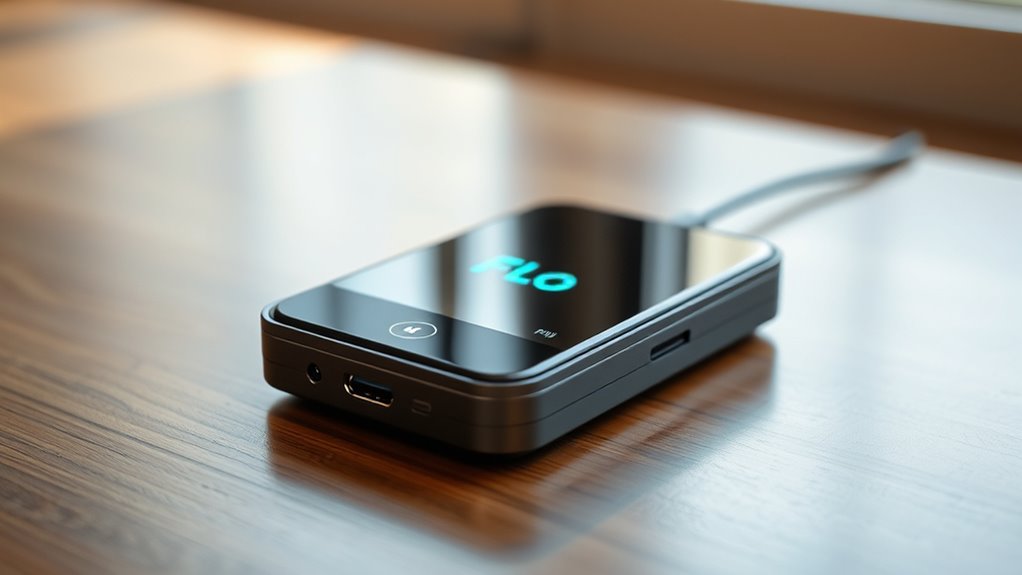
“Flo” on your battery charger means it’s in float charging mode. This feature maintains ideal voltage to prevent overcharging and helps keep your battery healthy. When the battery reaches full capacity, “Flo” provides a gentle, steady charge that extends battery life and boosts efficiency.
It automatically adapts to your battery’s needs, reducing maintenance. If you’re curious about how to make the most of this feature and improve your charging experience, there’s more to investigate.
Key Takeaways
- “Flo” indicates the float charging mode, which keeps a steady voltage to prevent overcharging once the battery is fully charged.
- It provides a gentle, continuous charge that helps improve the battery’s health and lifespan by avoiding damage.
- Float charging adjusts automatically to what the battery needs, so you don’t have to watch it constantly or do much maintenance.
- A solid green light usually means the battery is fully charged in “Flo” mode, while a blinking light might point to some issues.
- Using “Flo” can boost charging efficiency and makes sure your batteries are ready to go without wasting extra energy.
What Does “Flo” Mean in Battery Charging?
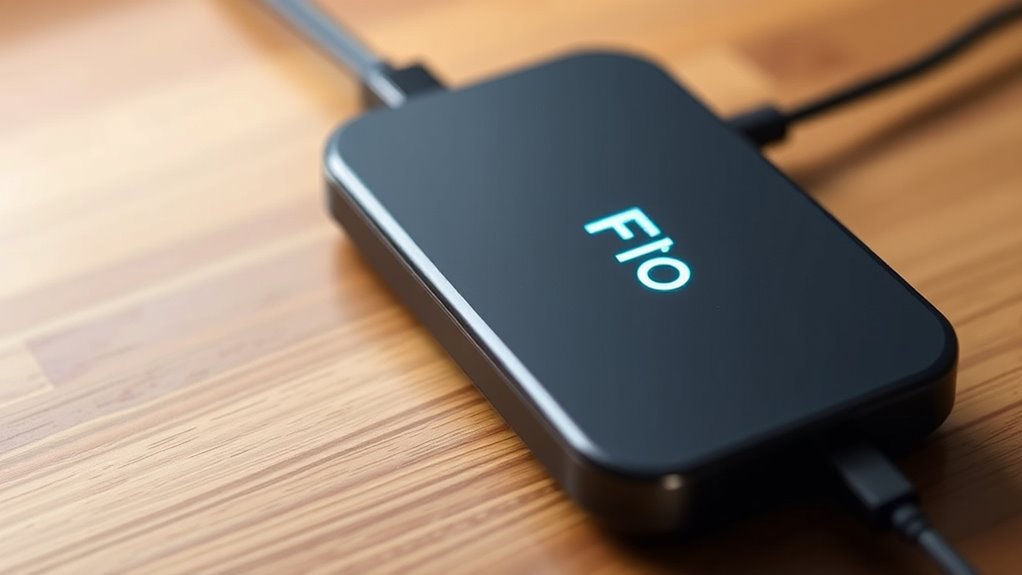
In the world of battery charging, “Flo” refers to a specific stage in the process. During this phase, your charger keeps the battery’s voltage steady, making sure it stays at a good level without overcharging.
This step is really important for battery health because it helps prevent damage caused by charging too much. When your battery hits full capacity, the charger switches to “Flo,” providing a gentle, lower current.
This stage manages the charging cycle, helping your battery stay in top shape for longer. Knowing what “Flo” means helps you understand how your charger works to keep your devices powered safely.
How to Optimize Your Charging With the “Flo” Feature
Want to make the most of the “Flo” feature? It’s pretty simple once you get the hang of it. Just a few easy tips can help you charge your devices more efficiently and save time. Let’s take a closer look at how you can optimize your charging experience with “Flo.”
Understand “Flo” Functionality
Understanding the “Flo” functionality can really boost your charging experience, especially if you’re looking to be more efficient.
The “Flo” feature mainly uses float charging, which keeps your battery at the perfect voltage without overcharging.
This not only helps your battery last longer but also makes sure it’s always ready when you need it.
Tips For Efficient Charging
Maximizing your charging with the “Flo” feature can really boost your experience. To get the most out of your battery, try these simple and effective charging tips:
| Tip | Benefit |
|---|---|
| Charge between 20-80% | Extends your battery life |
| Use “Flo” for smart management | Boosts efficiency |
| Avoid fully discharging | Prevents wear and tear |
| Keep your device cool during charging | Reduces overheating |
| Regular maintenance checks | Keeps your device performing at its best |
The Science of “Flo” in Battery Charging
When you’re thinking about charging batteries, float charging might not be something you hear about every day, but it really makes a difference. Basically, float mode is a way to keep your battery topped up with a gentle, continuous charge. It’s like giving your battery just enough energy to stay fully charged without overdoing it.
This steady, low-level charging is actually great for your battery’s health. It helps prevent overcharging, which can damage the battery over time, and keeps it ready to go whenever you need it. So, in the long run, using float mode can really help your battery last longer and perform better.
Understanding Float Charging
Float charging, an essential part of battery maintenance, makes sure your batteries get just the right amount of power to stay fully charged without overloading. It keeps your batteries in top shape, which helps them last longer and perform better.
When in float mode, the charger maintains a lower voltage, allowing only a small current to flow. This keeps your batteries topped off without the risk of overcharging, which can cause damage.
Effective float charging adapts automatically to your battery’s needs. You don’t need to constantly check on it—the charger handles everything for you.
Understanding float charging helps you get the most out of your batteries while reducing maintenance efforts.
Benefits Of Float Mode
Understanding the benefits of float mode can really help improve your battery maintenance routine. It extends the time your battery stays at the right voltage without overcharging.
This not only makes charging more efficient but also helps your battery last longer. By keeping a steady, low-level charge, you prevent issues like sulfation and other damage caused by inconsistent charging.
Plus, using float mode can cut down on energy use since it reduces unnecessary charging cycles. Your batteries stay in top shape and are ready to go whenever you need them.
How “Flo” Affects Different Battery Chargers
Although various battery chargers operate under different principles, “Flo” greatly influences their performance and efficiency. When you engage float charging, your charger maintains the battery at a specific voltage, preventing overcharging while ensuring it’s ready for use. This feature is essential for battery maintenance, especially for lead-acid and lithium-ion batteries.
With “Flo,” the charging process becomes smarter. Your charger can automatically switch to float mode, allowing it to stabilize the battery’s charge without constant cycling between charge and discharge. This reduces wear and tear, extending the battery’s lifespan.
Different chargers implement float charging in unique ways, but the core idea remains the same: maintaining peak battery health without unnecessary energy loss. So, whether you’re using a smart charger or a traditional one, understanding how “Flo” works can help you choose the right charger for your needs and improve your battery management strategy.
The Importance of “Flo” for Battery Health
When you prioritize “Flo” in your battery charging routine, you’re actively enhancing your battery’s health and longevity. This feature helps maintain ideal charge levels and prevents overcharging, which can damage the battery.
Using effective charging techniques that include “Flo” ensures your battery stays in top shape. It automatically adjusts the charging process, leading to a more balanced energy distribution within the battery cells.
This reduces wear and tear, ultimately extending your battery’s lifespan. Plus, embracing “Flo” can save you money in the long run by avoiding premature replacements.
By taking care of your battery with “Flo,” you’re investing in your device’s health. Make it a habit to use “Flo” whenever you charge.
Your battery will thank you for it, and you’ll enjoy smoother performance without the worry of unexpected power loss.
Troubleshooting Common “Flo” Issues
Having trouble with your Flo battery charger? Don’t worry, understanding what those battery status indicators mean can really help you get to the bottom of the issue. Sometimes, a simple misinterpretation of the lights can make it seem like there’s a bigger problem than there actually is.
You might run into some common charging hiccups that can throw off your device’s performance. But the good news is, many of these issues are easy to troubleshoot. Let’s walk through some of the typical problems and how you can fix them quickly and effectively.
Battery Status Indicators Explained
Understanding battery status indicators is key to troubleshooting common issues with your Flo charger. They give you important info about your battery’s health and how well it’s charging.
For example, a solid green light usually means your battery is fully charged. A blinking light might mean there’s a problem that needs your attention.
Pay close attention to these signals because they can help guide your battery maintenance. If you see unusual patterns, like a red light, it’s a sign that something’s wrong.
Common Charging Problems Identified
If your Flo charger isn’t working as expected, spotting common charging problems can save you time and hassle. First, check the connection between your charger and your device. A loose or damaged cable can really cut down on charging efficiency.
Next, make sure the charger is plugged into a working outlet. A faulty power source can cause inconsistent charging. If your battery isn’t charging fully, it might be nearing the end of its lifespan.
Overheating during charging can also be a sign of problems. Make sure both the charger and battery are in a well-ventilated area. Lastly, keeping your device updated with the latest software or firmware can fix performance glitches.
Fixing these issues can help your charger work better and extend your battery’s lifespan.
Comparing “Flo” With Other Charging Indicators
While many charging indicators offer basic functionalities, “Flo” sets itself apart with its intuitive design and real-time updates. Unlike traditional indicators that simply show voltage levels, “Flo” provides insights tailored to various battery types, keeping you informed about your charger’s performance.
When comparing it to other indicators, “Flo” shines in monitoring charging cycles. This gives you a clear picture of battery longevity and helps improve power efficiency. It also offers essential maintenance tips to extend your battery’s life.
Some indicators leave you guessing about what they mean, but “Flo” translates complex data into easy-to-understand alerts. It’s user-friendly and makes monitoring simple.
If you want a charging indicator that does more than the basics, “Flo” offers a thorough experience. It keeps you engaged and informed, ensuring your devices are always ready when you need them.
Real-World Scenarios: When to Focus on “Flo”
When you’re in a pinch and need your devices charged quickly, that’s the perfect time to focus on “Flo.” This tool not only tracks your battery’s status but also provides real-time updates and maintenance tips. Knowing when to rely on “Flo” can help improve your charging habits and keep your battery healthy.
Here are some scenarios to think about:
Last-Minute Meetings: You’ve got an important call and your phone’s dying. “Flo” helps you prioritize charging so you’re not caught off guard.
Traveling: You’re on the go, and your device needs a quick boost. Use “Flo” for efficient charging to make the most of every minute.
Gaming: Intense gaming sessions drain your battery fast. “Flo” keeps you informed on your battery’s health so you can plan accordingly.
Daily Commutes: If you often forget to charge, “Flo” can remind you to maintain good charging habits and stay powered up.
Tips for Extending Battery Life Using “Flo” Insights
Knowing how to charge efficiently is just the beginning; leveraging “Flo” insights can greatly extend your battery life. Start by practicing good battery maintenance. Regularly check your charger’s performance and verify it’s providing the right voltage. This helps prevent unnecessary wear on your battery.
Adjust your charging habits based on “Flo” feedback. If you notice your battery’s health declining, consider changing when and how you charge. Charging in shorter bursts rather than letting your battery drop to low levels can help maintain its longevity.
Don’t forget to avoid extreme temperatures. Keep your device cool while charging, as heat can profoundly affect battery performance. Finally, take advantage of any smart charging features your device offers, allowing it to optimize battery health automatically.
Conclusion: Maximizing Your Charging Experience With “Flo”
To truly maximize your charging experience with “Flo,” it’s important to put the insights from your device into action. Understanding how “Flo” works can help you take better care of your battery and clear up common charging myths.
Here are four strategies to keep in mind:
- Monitor Charging Cycles: Keep an eye on your charging habits to avoid overcharging your device.
- Use Quality Chargers: Always choose reliable chargers that match your device’s specifications for safety and efficiency.
- Keep It Cool: Make sure your device stays cool during charging to prevent overheating and damage.
- Unplug at 100%: Once your device is fully charged, disconnect it to help maintain its battery health.
Frequently Asked Questions
Can “Flo” Affect Charging Speed or Efficiency?
Yes, “flo” can affect your charging speed and efficiency. When you use charging protocols that include “flo,” it helps optimize the power transfer.
This means your device charges at its best rate, making the process more efficient. You’ll notice less energy waste and potentially longer battery life.
Is “Flo” Present on All Battery Chargers?
No, “flo” isn’t present on all battery chargers. Its functionality depends on the charger’s compatibility and design.
Some brands include this feature to improve charging efficiency, while others stick to basic indicators. If you’re using a high-quality charger, you might find “flo” helping to optimize the charging process.
To get the best performance, always check the specifications of your charger for this feature.
How Is “Flo” Different From Regular Charging Indicators?
“Flo” is different from regular charging indicators because it shows smart charging technology. While standard indicators just tell you if a battery is charging, “Flo” actively manages the process to save energy.
It adjusts the charging speed based on what the battery needs, preventing overcharging and making sure energy is used efficiently. So when you see “Flo,” you know your charger is working smarter.
This helps prolong your battery’s lifespan and reduces energy waste, making everything more eco-friendly.
Does “Flo” Work With All Types of Batteries?
“Flo” doesn’t work with all types of batteries. For example, about 70% of rechargeable batteries today, like lithium-ion and NiMH, can benefit from this innovative charging method.
However, some older battery types, like lead-acid, might not be compatible. Using the right charging methods is vital for maximizing battery lifespan.
Can “Flo” Indicate Battery Health or Lifespan?
Yes, “Flo” can indicate battery health and lifespan. When you use a battery monitoring system that includes health diagnostics, it helps you understand your battery’s condition.
If “Flo” shows signs of deterioration, you can take action before it fails. Regular monitoring keeps you informed about your battery’s performance.
This way, you can extend its life and avoid unexpected issues. Keeping an eye on these indicators is essential for peak use.
Conclusion
To sum up, embracing the “Flo” feature can be your secret weapon in maximizing battery health. Think of it as a gentle whisper guiding your device toward longevity and efficiency.
By understanding how “Flo” interacts with your charger, you’re not just charging—you’re nurturing your battery for the long haul. So, the next time you plug in, remember to listen for that whisper.
That little “Flo” indicator might just save you from a dead battery down the road. Using “Flo” properly can make all the difference in keeping your battery healthy and ready to go.